I bite the bullet and gone to the dark side
Hello, fellow non-systemd enjoyer.
Hello, hopefully there are a dozen of us
Mx linux here! (sysvinit) Just migrated away from systemd due to the drama.
Drama? You mean the whole age verification stuff?
Yep! I don’t want anything to do with it. I don’t care if it’s an optional component, it’ll be optional until it isn’t.
Why
Why
Monoculture isn’t great.
Having and maintaining other options is good for if/when things go bad.
Which they did.
The age verification or something else?
That’s pretty clean for KDE. Here’s my Void system.
But I’ve switched in January, before all this drama even started.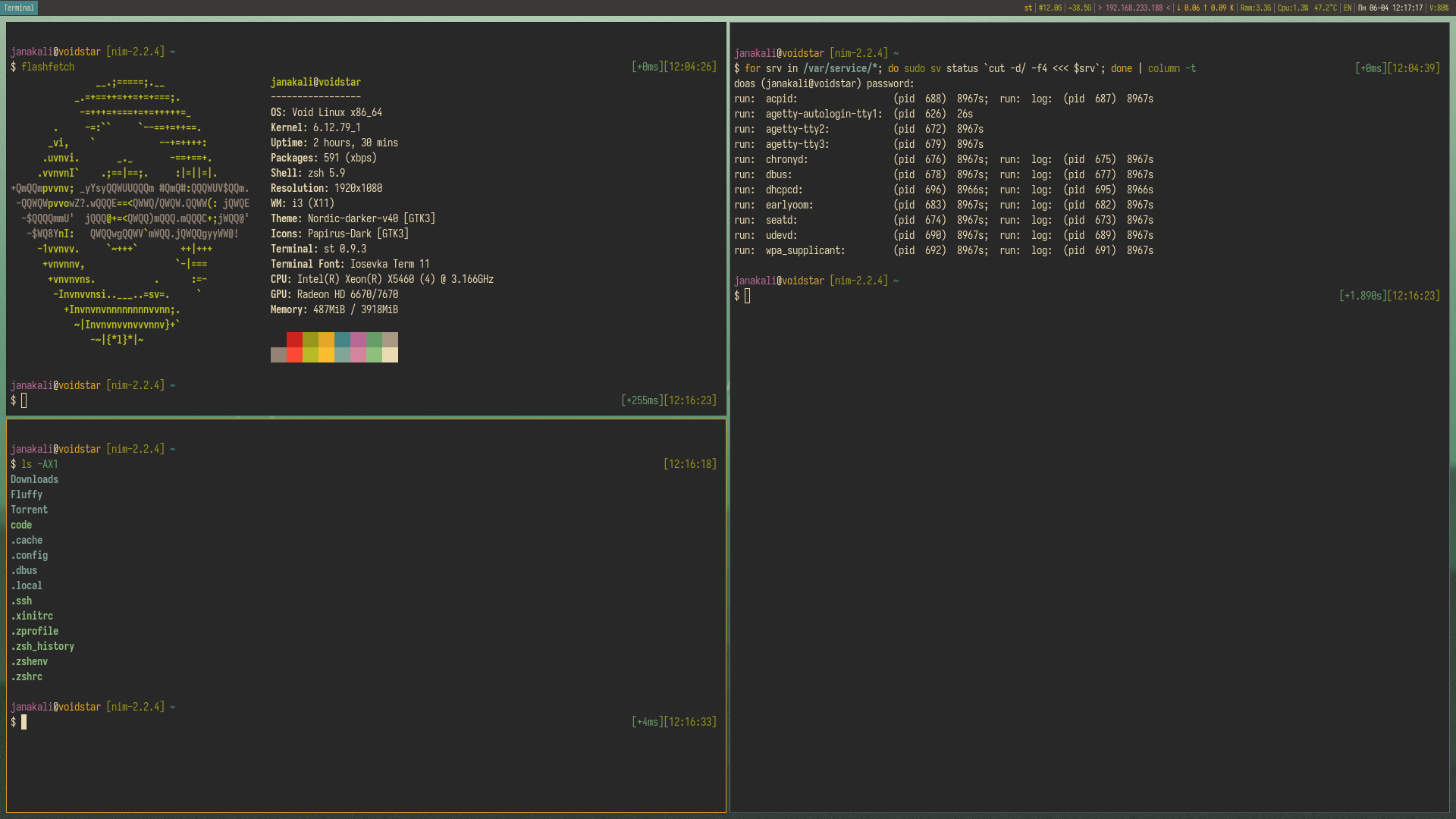
Thank you, I use a combination of “KDE rounded corners” “Klassy” and “Darkly”, both do not use the slow aurorae theme engine thingy but written in native C++ so it’s pretty fast, I haven’t tried Void yet because Void scare me
I love Gruvbox. My favorite color scheme. If its not, its probably derived version of Gruvbox. My current one is different, simply because I wanted to have a different scheme after years of same.
Artix has gotton a real upsurge recently. At least it has on lemmy.
It’s most likely where I’ll be hopping if unavoidable age gating comes to systemd
I only switched to Artix cuz I like OpenRC
I like not using government and mega-corporation mandated systems designed for privacy invasion and control of what people can access.
Also a nice thing, my reasoning is just that I like a bunch of small bash scripts I can look inside and go “oh, so that’s why it broke”
Gating would be up to every application, systemd just provides an interface/standard location for them to query
I could care less about apps, because I can just avoid them. My concern is the OS level stuff, and currently, all of the legislation is around requirements that the OS itself capture birthdate data.
The moment that becomes mandatory at the OS level, is the moment I drop whatever it is that is forcing that issue. Systemd was the first to pre-emptively comply with facilitating the change at scale, so chances are, they will keep doing the same going forward.
Just one more crack in the levee against computer privacy. This is always how it starts.
No one asked anyone to make that change but it was done regardless. The laws created in those states were (from my understanding) implemented defensively in a political sense due to how federal laws were being considered but weren’t actively requested to be enforced technologically.
Those that don’t see this change as a step in a regressive trend but are in a position to make changes are usually the ones that lead us further down the path, intentionally or not.
You have become systemd-free
Isnt elogind part of systemd?
Yeah it is but systemd is a suite of apps (see, a collective) and elogind is a standalone, the claim is still true
i could be wrong here but didnt elogind need to be patched to work with other inits?
I don’t think elogind hooks into other inits directly, but it it is a fork of the logind part of systemd that has been altered so that it can work without systemd, if that’s what you mean.
If using OpenRC is all it tales to be on the dark side, then I’ve been there since before it was cool.
I don’t know what you did but I like that UI.
How do I make my computer like this, this is cool and I don’t know what Linux is.
It’s a heavily customized KDE Desktop Environment
If you’ve never installed Linux before, I would start with something user-friendly, like Kubuntu or Bazzite. Both come with KDE as their main Desktop Environment (“DE”), so you could do what OP did looks-wise.
If you’re a technical user, and don’t hate having to sometimes do things manually, try Garuda Linux - it’s Arch-based, but catered very towards Linux newbies and does a lot of hand-holding. I use it and I enjoy it very much.
To specifically do what OP did with his DE - KDE comes with the concept of Panels and Widgets. The top bar you see in the screenshot is a Panel. On it, there are (from right to left) the System Tray widget, a Spacer widget, a Digital Clock widget with customised display format (something you can do in the settings of the widget), another Spacer, an Icons-Only Task Manager widget (displays active applications and lets you pin applications - like the Taskbar in Windows or Dock in macOS), and finally the Application Launcher widget (the Start menu equivalent). Everything is pretty heavily customised (presumably with Panel Colorizer? Not sure), so that - out of the box - even with this exact setup copied, yours would look slightly different.
Thank you so much!!!
Enjoy the ride! :)
Oh! You might find this useful. It’s a list of various setting changes/fixes I made after switching and encountering various issues, or annoyances. Some of these were under Kubuntu, most are under Garuda, but I don’t think anything in there is distro-specific, so it should work on both Debian-based and Arch-based.
It looks like Arch Linux with some ricing done. So first install Arch and customize from there.
It’s Artix. It says it clearly in the image.
Yes. Which is an Arch distro.
It’s based on Arch, but it is not Arch Linux. Let’s be specific.
It’s part of the arch family. It’s the cool uncle who gives the kids playboy mags and weed when their parents aren’t looking. Obviously.
[citation needed]
Went from TRSDOS > Win 3.11 > Win 95 > Win 98 > Win XP > OS X > Win 10 > Linux Mint for daily desktop drivers.
Never been happier. <3
More &more people are saying it
I ran Artix for a few days but ran into audio server issues. The issue was that there wasn’t an audio server installed so I had not sounds at all. I managed to get everything working after some trial and error. As expected, most of the online help is written with systemd in mind. A little while later I installed another application which installed alsa as a dependency which broke my audio again. I went back to EndeavourOS after that.
What audio server did you use? I use pipewire, I only need to install *-openrc equivalent packages on top of base pipewire packages and enable it with OpenRC for it to work
@ColdWater @Aceofspades I’m going to have to try it, it’s arch based anyways ;) thanks for the tips!
No problems, if you have any issues you can ask me in this thread
$ sudo pacman -S pipewire pipewire-openrc wireplumber wireplumber-openrc pipewire-pulseaudio
Then you use:
$ rc-service --user pipewire start
$ rc-service --user wireplumber start
$ rc-update --user add pipewire
$ rc-update --user add wireplumber
I have pretty much the same hardware. It’s an older Lenovo Legion.
Welcome!
Can you share your fastfetch config?
Going to the dark side stings after years of perfecting my dotfiles. That customization muscle memory does not transfer over. How are you handling the loss of environment control?
I have a separate /home partition, So I don’t have to redo any customization, honestly it’s just init systems I don’t loss anything
@ColdWater not familiar with those messages. Not using systemd or something?
It’s OpenRC, I wanna learn different init systems
Does it support unit dependencies? That’s pretty much the only reason I use systemd outside of work. Edit: ah yeah it sure does. I know what I’m playing with next weekend.
@ColdWater shit you make me wanna to rip out systemd now! Which docs did you use?
It’s not that hard to use, you only need to learn a few basics OpenRC command (how to enable/disable services stop/start services and service status), as for docs I haven’t read any yet
@ColdWater does arch let you choose rc in the install? Or did you just remove it sysd and install orc?
Arch use systemd and it do not let you choose init systems, you probably can replace it but from what I’ve read online it can causes a lot of issues